Agency project · Artefact2026

Artefact

Next.jsGénération d'images IAZustandStorybooknext-intlEmbla Carousel

AI prompting training tool

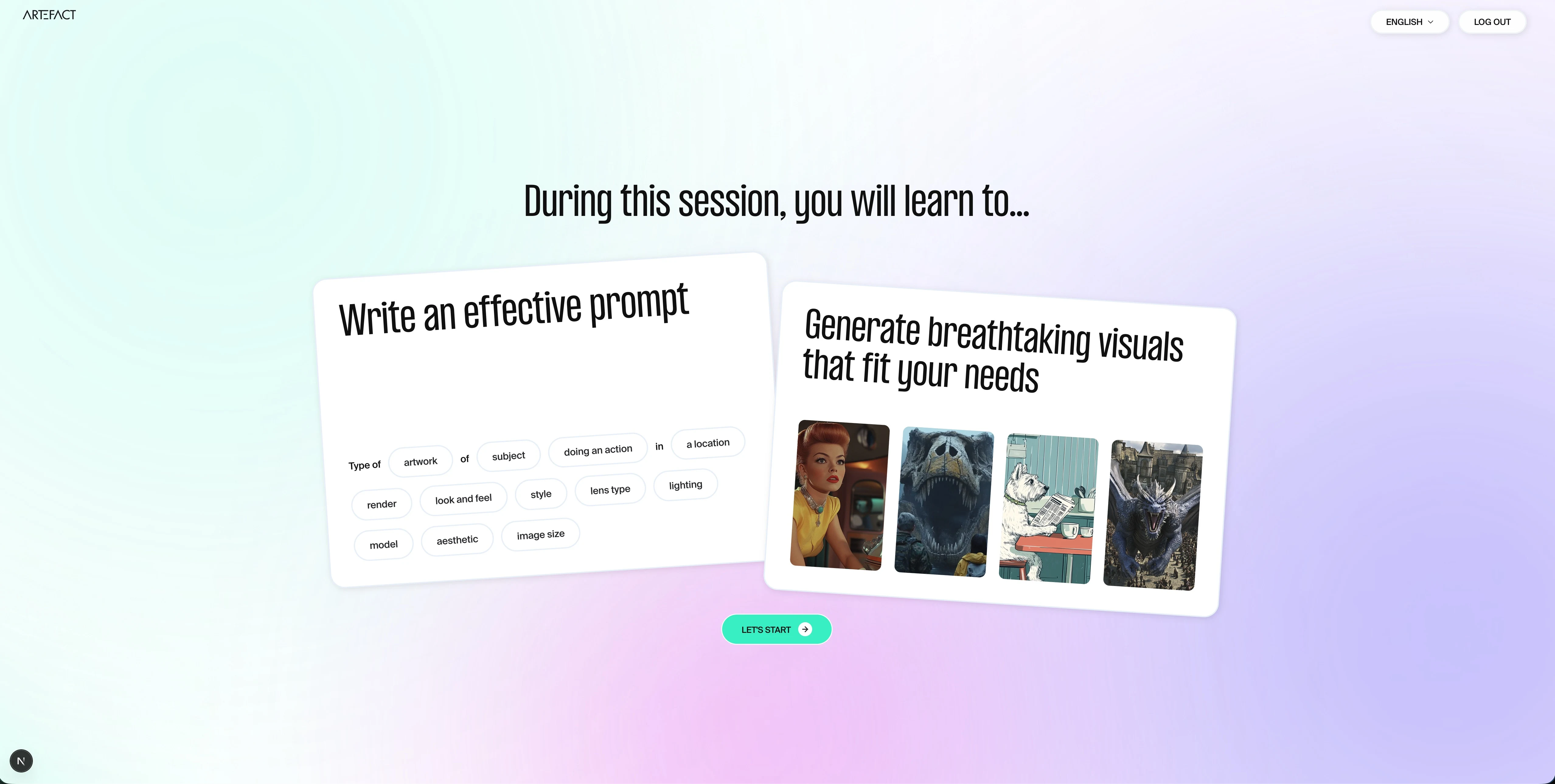
Built internally at Artefact, Make a Scene is a prompt engineering training tool applied to image generation. Rather than reading guidelines, participants build a prompt word by word through a guided funnel: 3 steps, 14 sub-steps. Each option has a preview image on hover. At the end of the funnel, 4 variants are generated in a single request. Available in English and French.

Overview01

A funnel to talk to an AI, word by word.

3 steps, 14 sub-steps. Each chosen option is added in real time to the prompt bar at the bottom of the screen. At the end of the funnel, 4 image variants are generated in a single request.

Fig.01 — La démo complèteInternal Artefact tool

A tool to learn how to talk to an AI.
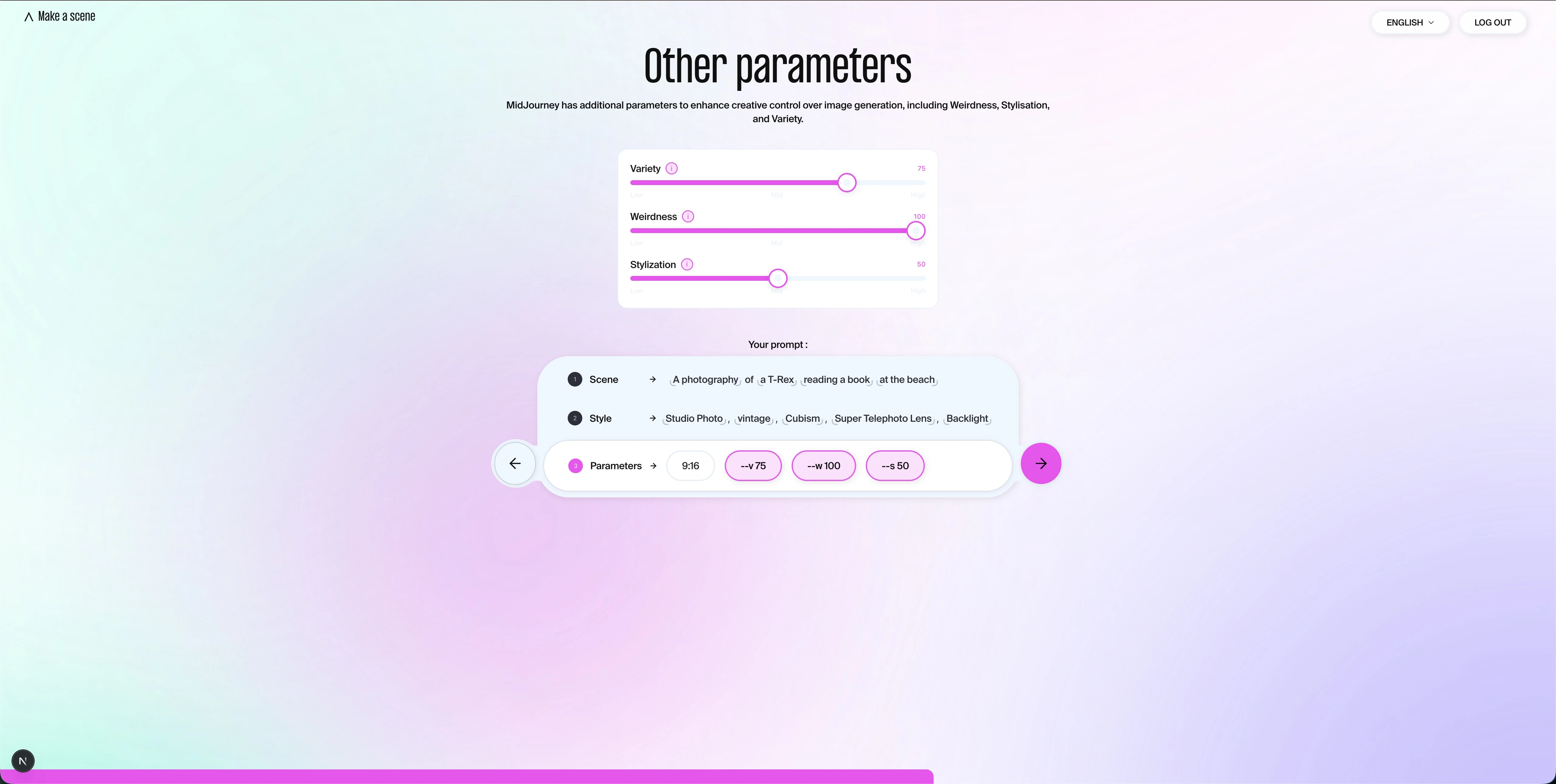
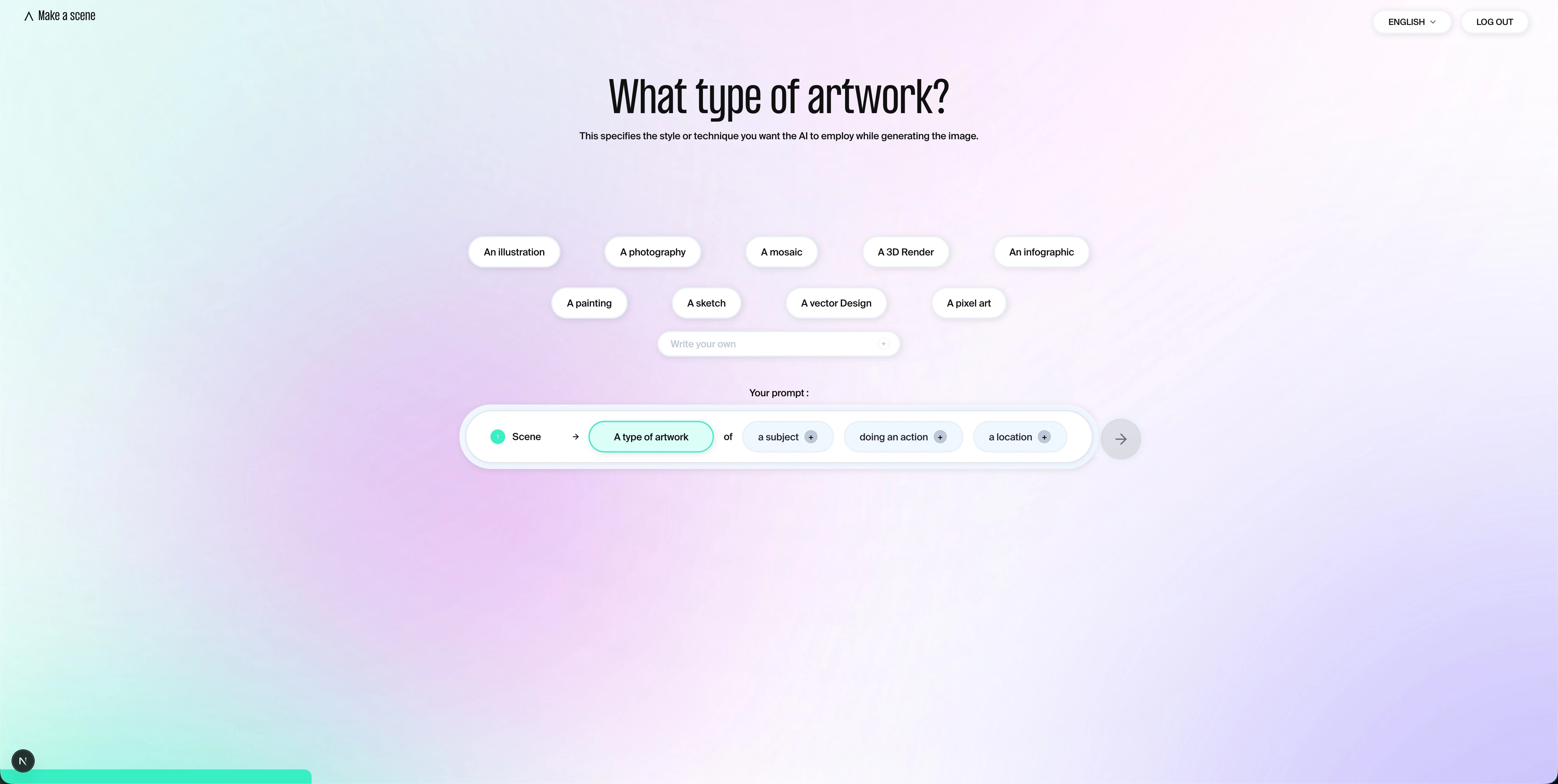
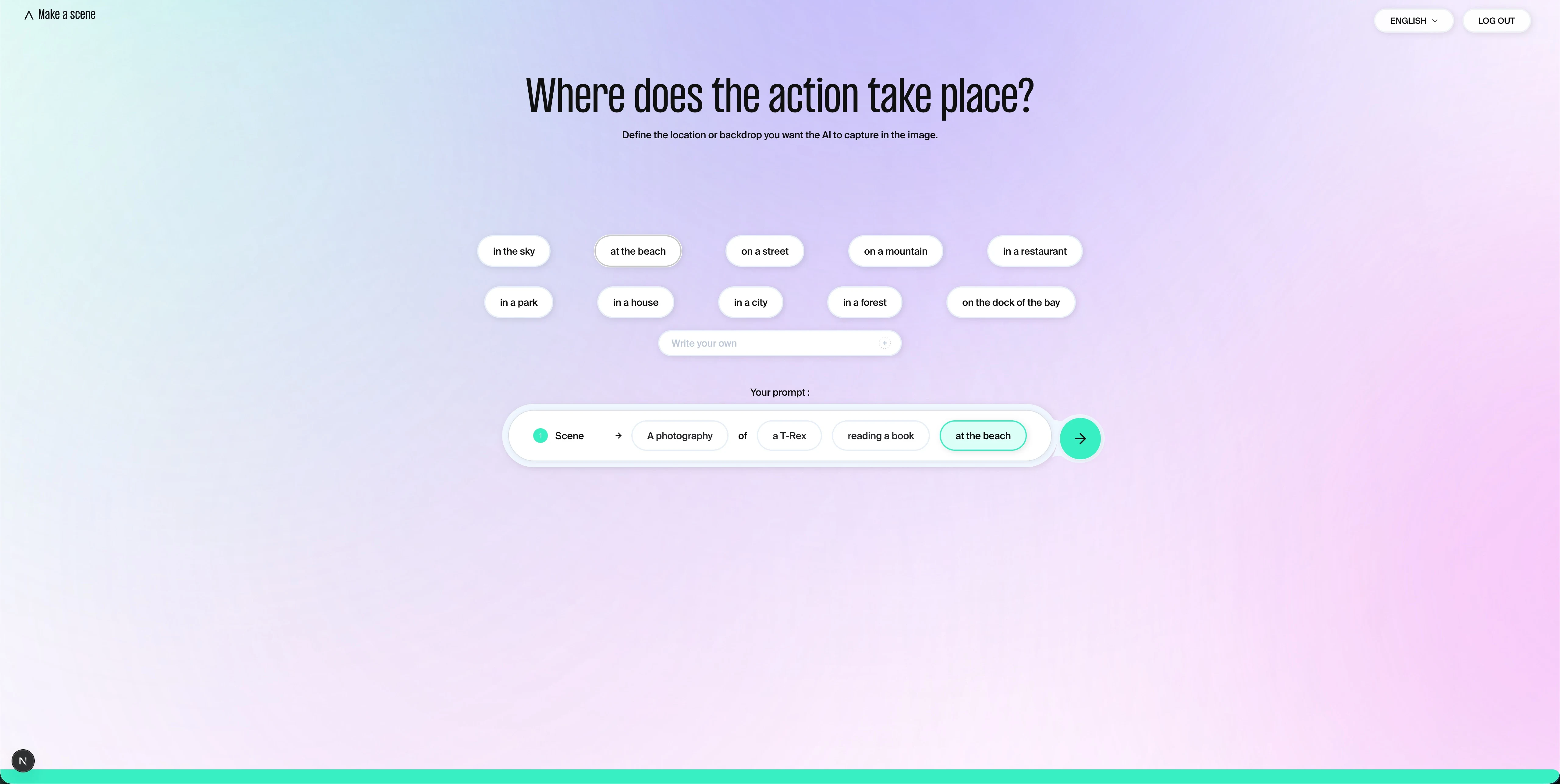
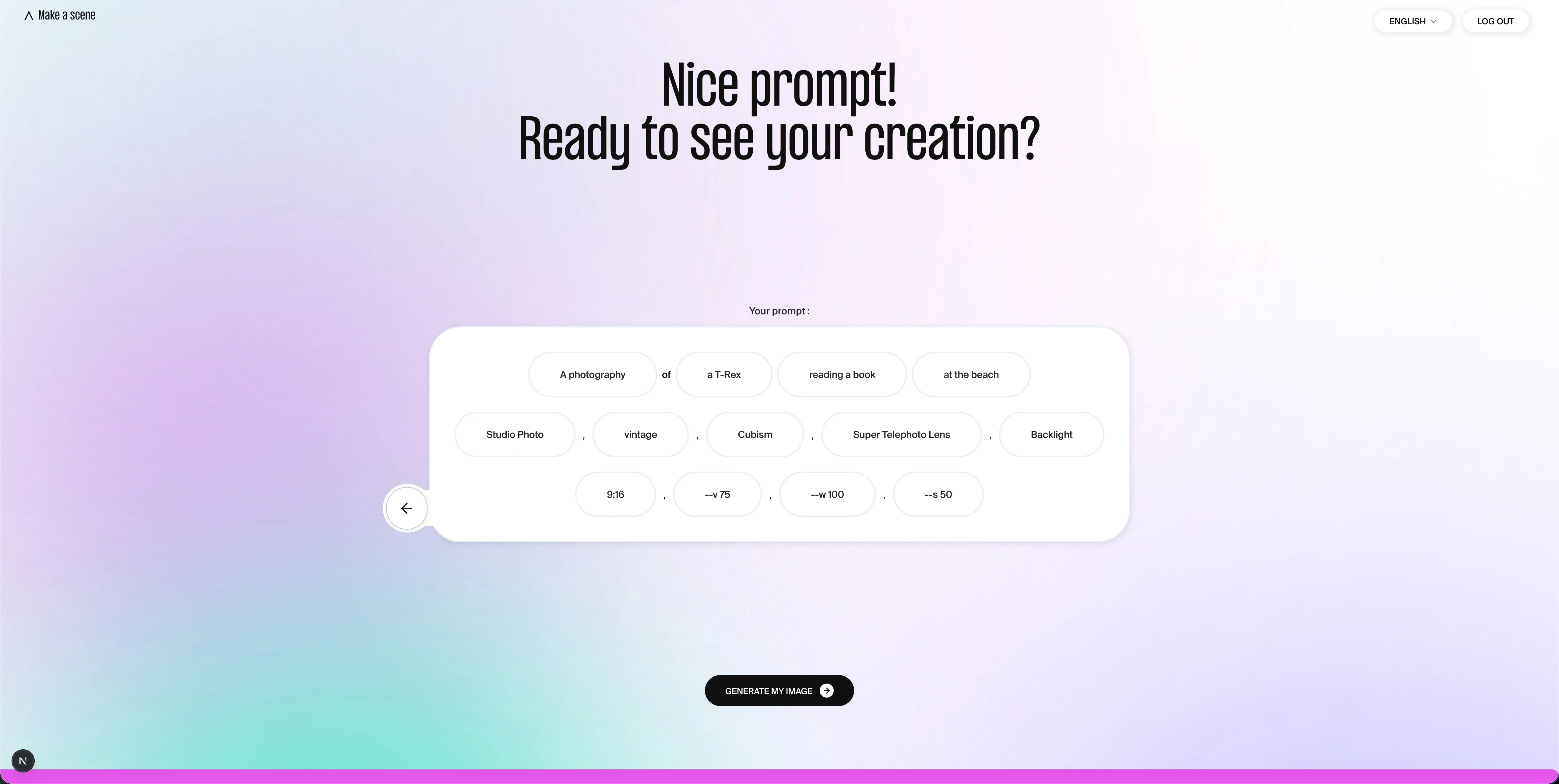
Rather than reading guidelines, participants build a prompt word by word: image type, subject, action, location, style, lighting, ratio. Each choice is added in real time to the prompt bar visible at the bottom of the screen.

A visible result at every step.
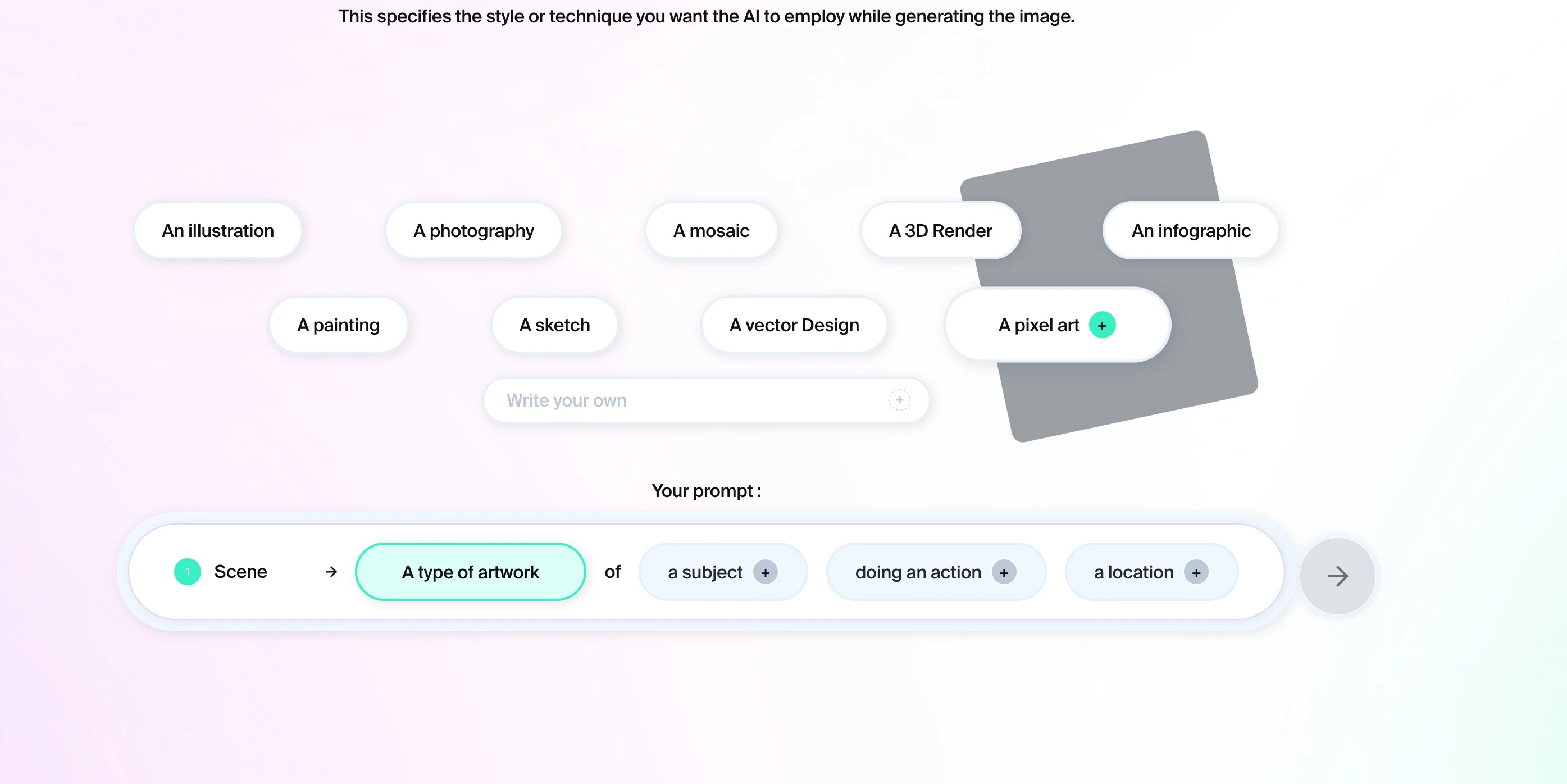
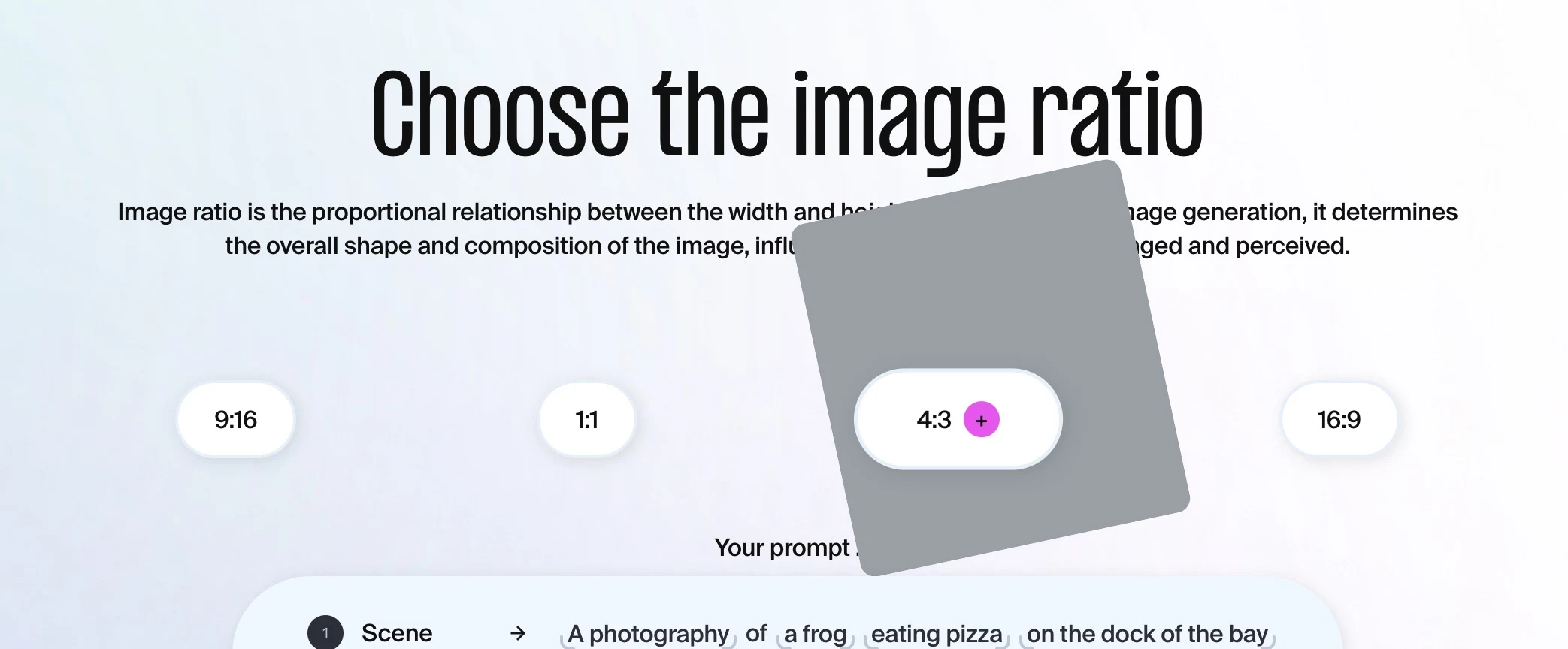
Hovering over each option shows an example image to help choose. You only advance when all fields are filled, which forces prompt precision.

Four images generated in seconds.
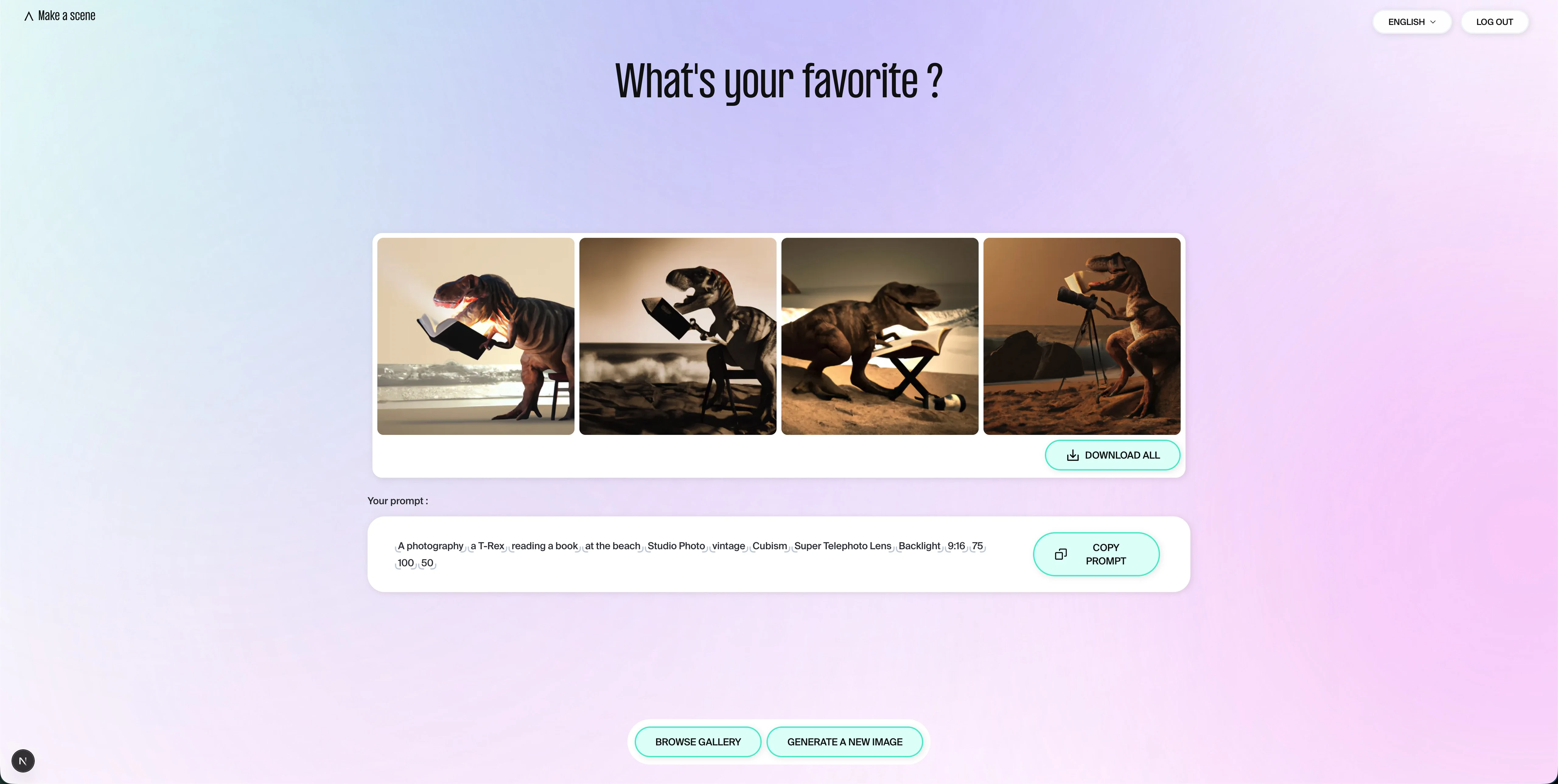
Once the funnel is complete, the tool generates four visual variants from the built prompt. The full prompt is displayed and copyable. You can go back to any step and start over.

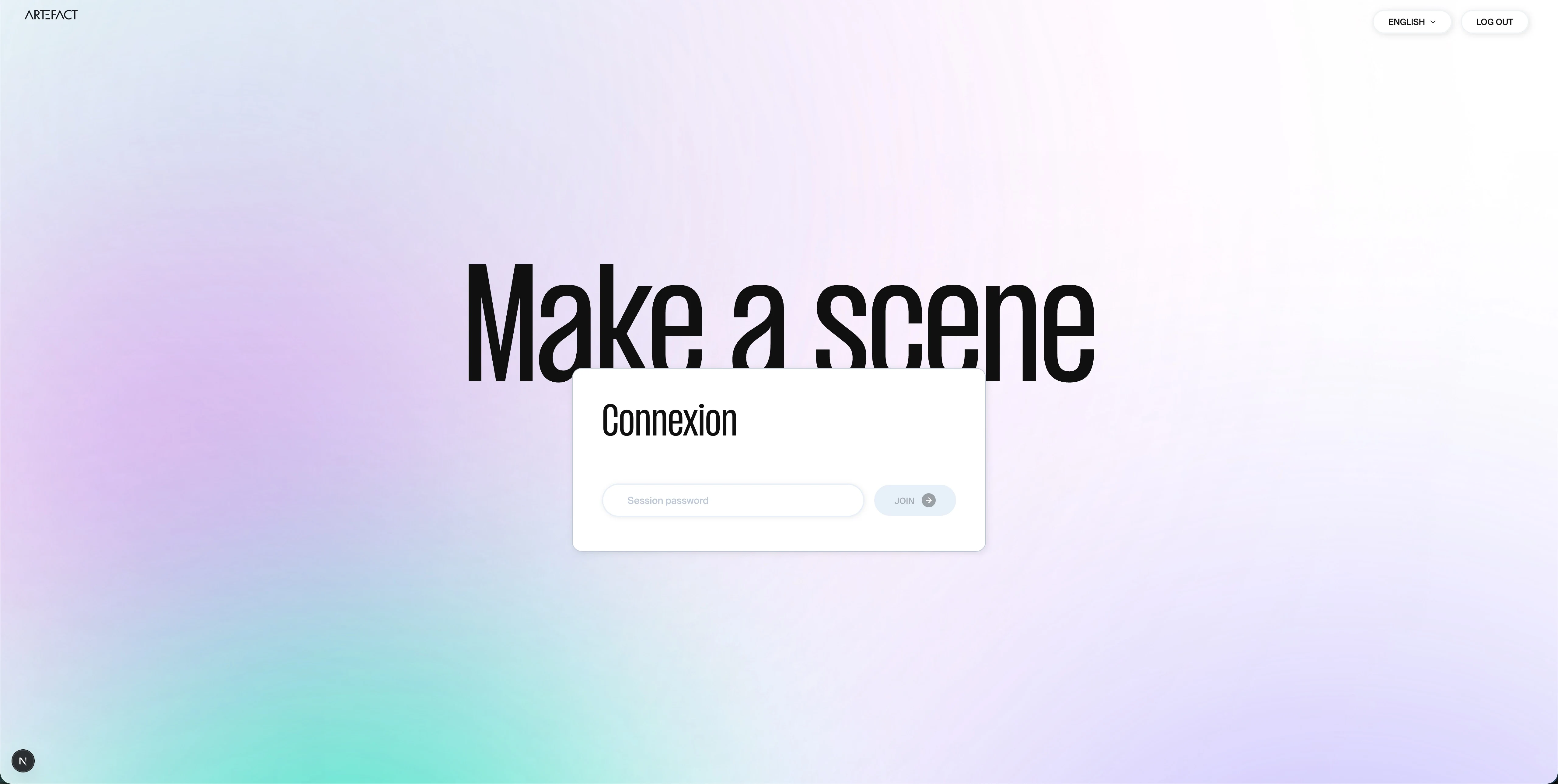
Available in French and English.
Bilingual interface, built for international teams.

Section02

The funnel step by step

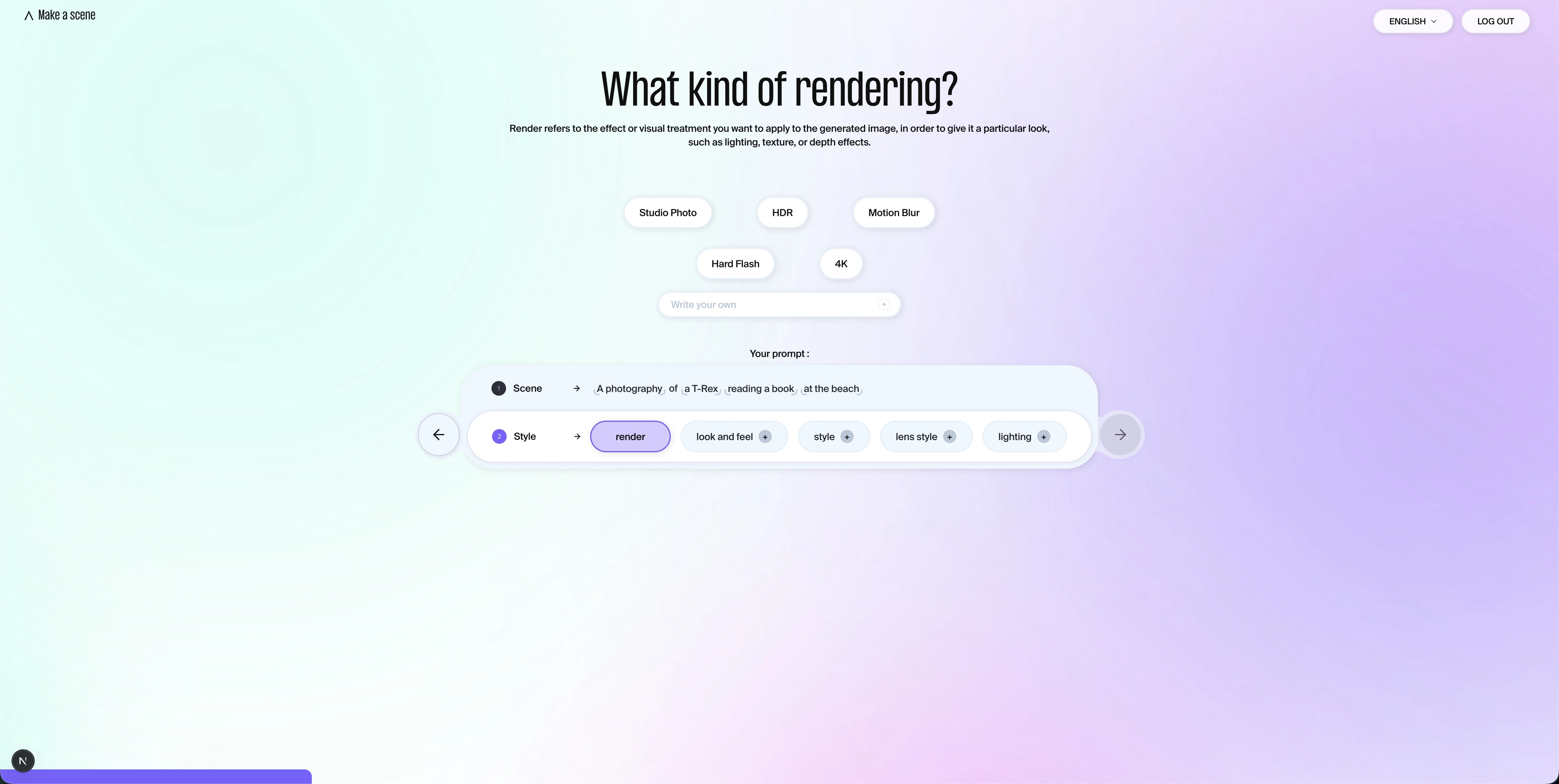
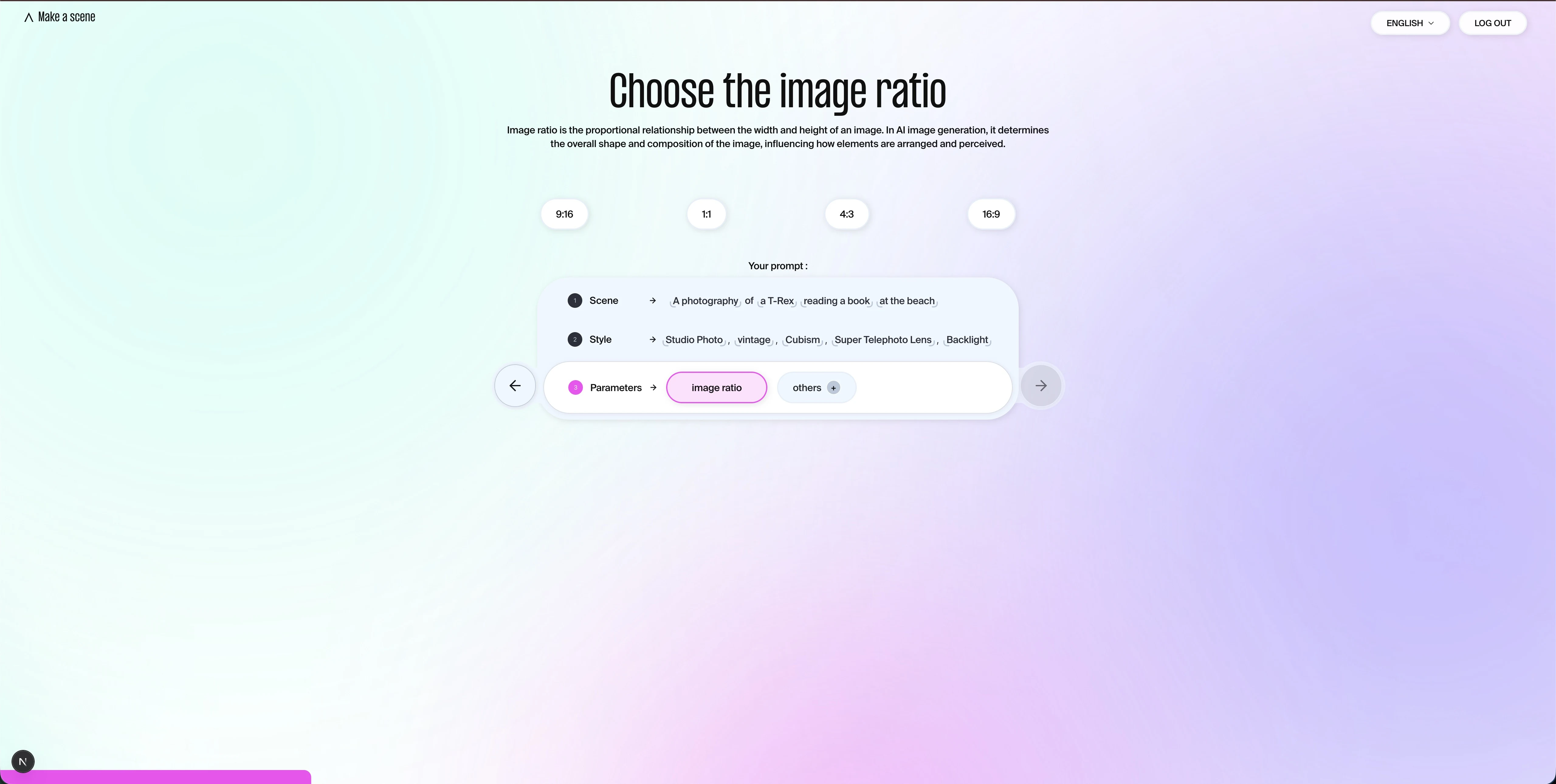
Each screen guides the user toward a keyword to select — image type, location, render style, ratio. The prompt assembles at the bottom of the screen as choices are made. The forward arrow only appears when all fields are filled.

AI prompting training tool — The funnel step by step — view 0
AI prompting training tool — The funnel step by step — view 1
AI prompting training tool — The funnel step by step — view 2
AI prompting training tool — The funnel step by step — view 3
AI prompting training tool — The funnel step by step — view 4
AI prompting training tool — The funnel step by step — view 5
AI prompting training tool — The funnel step by step — view 6
AI prompting training tool — The funnel step by step — view 7
AI prompting training tool — The funnel step by step — view 8
AI prompting training tool — The funnel step by step — view 9
Section03

From prompt to image

Once the funnel is complete, 4 variants are generated. A progress bar displays during generation, then the 4 images appear side by side, with the full prompt below, copyable with one click.

AI prompting training tool — From prompt to image — view 0
AI prompting training tool — From prompt to image — view 1
AI prompting training tool — From prompt to image — view 2
AI prompting training tool — From prompt to image — view 3
AI prompting training tool — From prompt to image — view 4
AI prompting training tool — From prompt to image — view 5
Under the hood04

Three decisions that defined the project.

For developers and recruiters: why a Zustand store for 3×14 sub-steps, why a single request for 4 variants, and why generate previews offline rather than on the fly.

01

3-step × 14-sub-step funnel with back navigation

The funnel is divided into 3 thematic steps, themselves split into 14 sub-steps. Each block of the assembled prompt is clickable: the user can navigate back directly to any sub-step without losing their choices. The entire funnel state is centralized in a Zustand store, which eliminates prop drilling and makes back navigation trivial to implement.

02

Generating 4 images in a single request

Rather than chaining multiple calls, a single request with the `n: 4` parameter generates all 4 variants server-side at once. No Promise.all, no polling: the Server Action waits for the complete response and returns it to the client. Result: simple code, minimal delay, no intermediate state management.

03

Hover preview images without API calls

Each funnel option has an example image visible on hover. Rather than generating these images on the fly, they were produced once in an offline script and are served statically. No API call at runtime, no latency for the user.

Project stack05

The tools powering the tool.

01Next.js (App Router)Routes per step · no backend to store images
02Image generation API1 request, 4 variants via `n: 4` server-side
03ZustandSingle store · 3 × 14 sub-steps · no prop drilling
04StorybookDesign system components validated in isolation
05next-intlFR / EN · externalized questions and options
06Embla Carousel + Radix UIOption carousels + accessible sliders

A training tool to build?

I design and build guided funnels and internal tools integrating AI image generation.

Multi-step funnel, Zustand store, 1-request image generation, Storybook design system: this project laid the groundwork I can bring to your next build.

View my packages

Next project

Bald

Site e-commerce artiste peintre